Web Portals
Customer, employee, supplier and business portals connected to your operations.
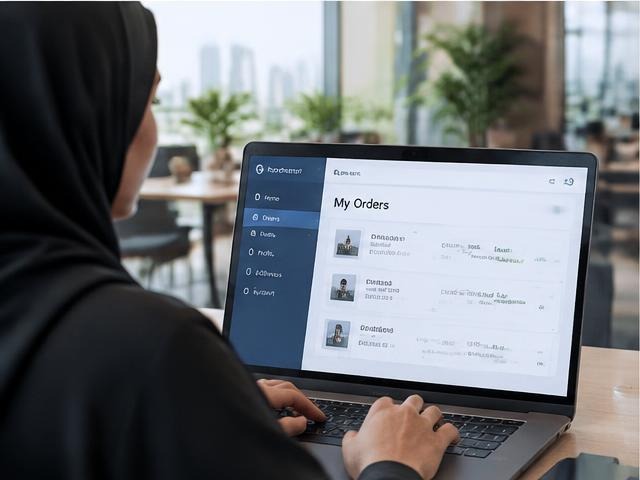
We design and develop branded portals for every audience: customers, employees, suppliers, partners and internal teams. From B2B ordering and service requests to knowledge hubs, learning platforms, membership and booking portals, each experience is tailored to your workflows, with secure access and integration with your ERP and business systems.
What you get
- Customer, supplier and B2B ordering portals
- Employee self-service and internal intranets
- Partner, membership and community portals
- Learning, knowledge and content portals
- Booking, service requests and approval workflows
- Role-based access, bilingual interfaces and ERP integration
Who this suits
- Organisations dealing with customers, suppliers or partners over email, phone and spreadsheets, that want one place where those people can submit a request and follow it without asking a member of staff at every step.
Problems it addresses
- Requests arrive by email and messages, so they duplicate and get lost, and nobody can say where one has got to.
- Your team spends the day answering questions the customer could answer themselves if they could see the information.
- Documents arrive in a different shape from every supplier and are checked by hand.
- The same data is entered twice, once in the inbox and once in the system.
What the engagement delivers
- A portal carrying your identity, in Arabic and English and in both directions.
- Role-based access, so each user sees only what belongs to them.
- The portal connected to the systems in scope, so the data is read from one source.
- The request and approval flows agreed with you.
- Training for whoever runs the portal, and an Arabic user guide.
How the work runs
1. Audiences and journeys
Who uses the portal, and what they come to do.
2. Interface design
Design the screens and agree them with you before building.
3. Build and connect
Build the portal and connect it to the systems in scope.
4. Test with your users
Acceptance testing with a sample of the real users.
5. Launch and train
Train, launch, and watch it settle.
Common questions
Can users sign in with our existing accounts?
Yes, if your system offers an API for it. We settle the sign-in method during design.
Is the portal in Arabic?
Yes, bilingual and bidirectional. Arabic is part of the design rather than a translation added at the end.
Who owns the data?
Your data is yours, hosted where you decide.
How long does it take?
It depends on the number of audiences, journeys and connected systems; we state it in the proposal after the scoping session.
Not sure this is the right fit?
Describe your needs to our AI advisor and it will recommend the most relevant service for you.
Ask the AI advisorExplore other services
Mobile App Development
iOS and Android apps for customers, employees and field teams.
AI Services
Practical AI assistants, automation and predictive intelligence for your business.
Odoo Implementation
End-to-end Odoo ERP implementation, from discovery to go-live.
E-invoicing — Phase Two
Integration with ZATCA's Fatoora platform, tested on simulation before production.